
Exterior
Welcome to the Exterior page
Welcome to the Exterior interface, in this section of the system you can select the colors of the walls, gutters and Fascia. You have an optional selection of wood decking, choose whether you want "No decking" or "Synthetic wood" or "Real wood", External gas point, included "External", Solar "solar".
Main Menu
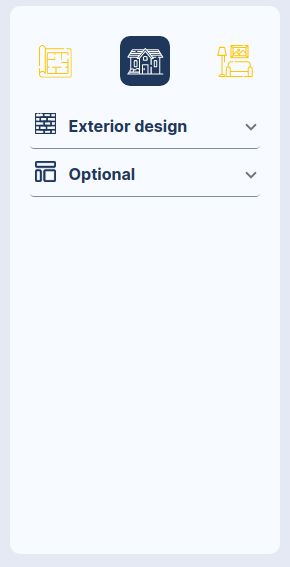
EXTERIOR - MAIN MENU
Menu description:
- Icons: ["Floor Plan", "Exterior", "Interior"].
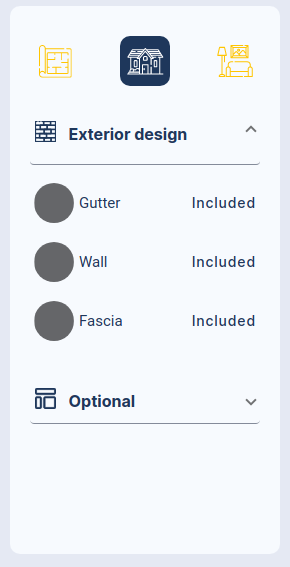
- Exterior design: "We can select the paint color for the wall, gutter and Fascia.
- Optional: "Timber Deck "we can select the options: "No deck", "Synthetic Wood" or "Real Wood". The options of real wood and synthetic wood have an additional cost. External gas point "External","Solar" included.
Exterior Design Menu
Opcional Menu
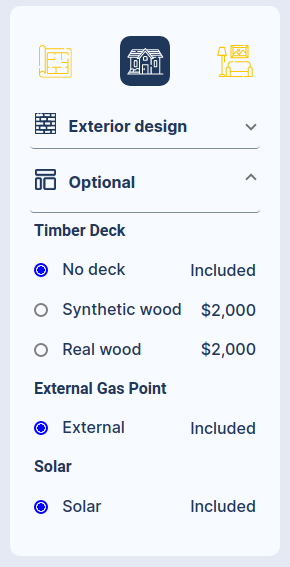
Exterior design Opcion bed 1-10-4
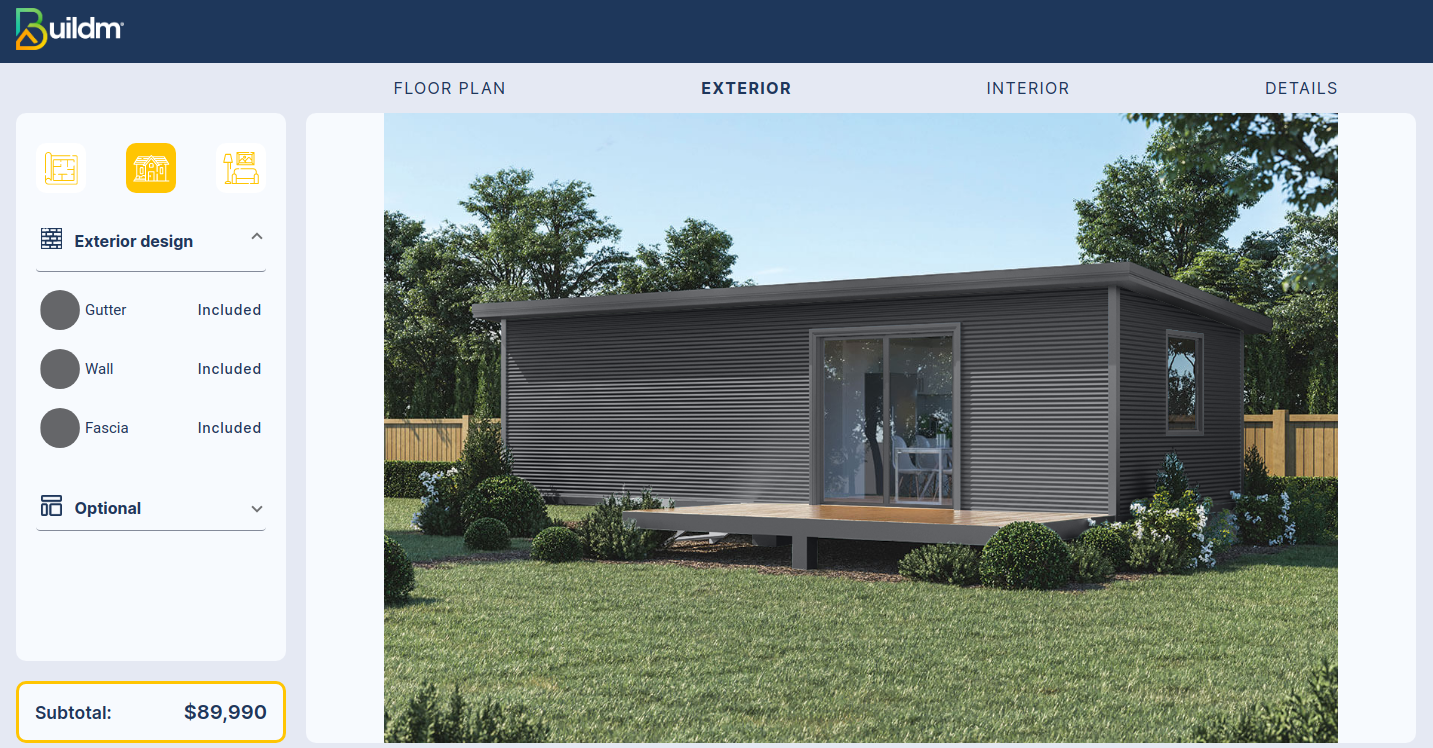
The image of the house without selecting colors
Exterior design select paint opcion bed 1-10-4
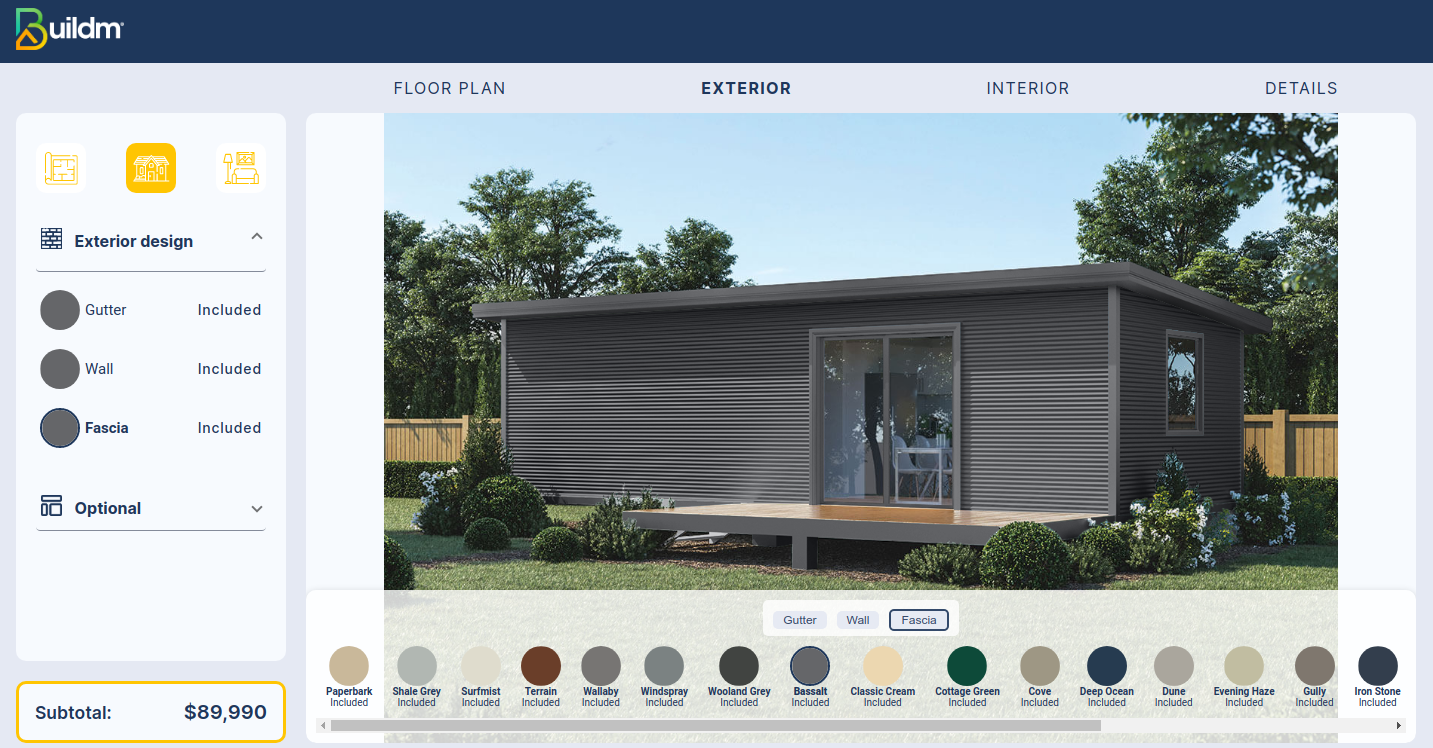
In the image you can see the option to change the color with a range of tones that can be applied to the wall, fascia and gutter
Exterior design Opcion bed 2-14-3
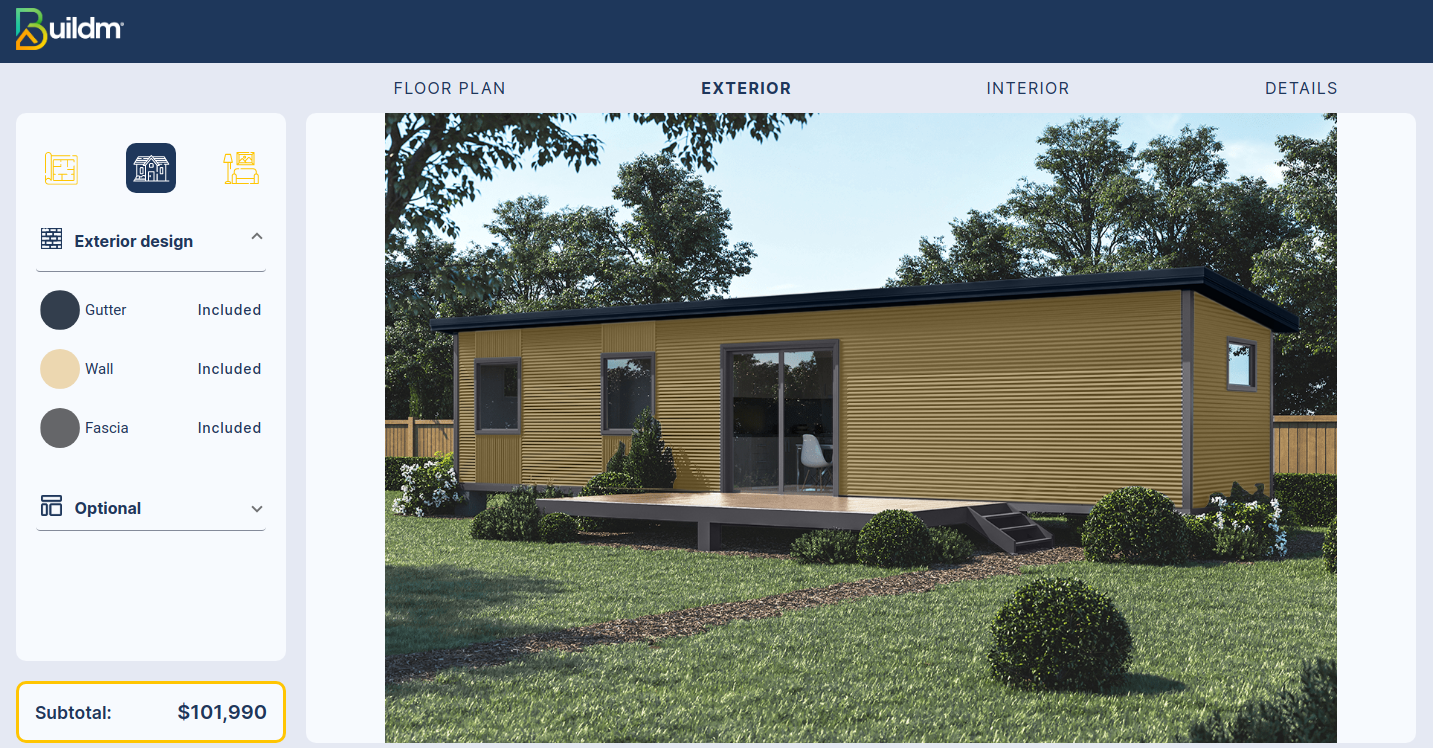
In the image you can see the option to change the color with a range of tones that can be applied to the wall, fascia and gutter
Exterior design select paint opcion bed 2-14-3
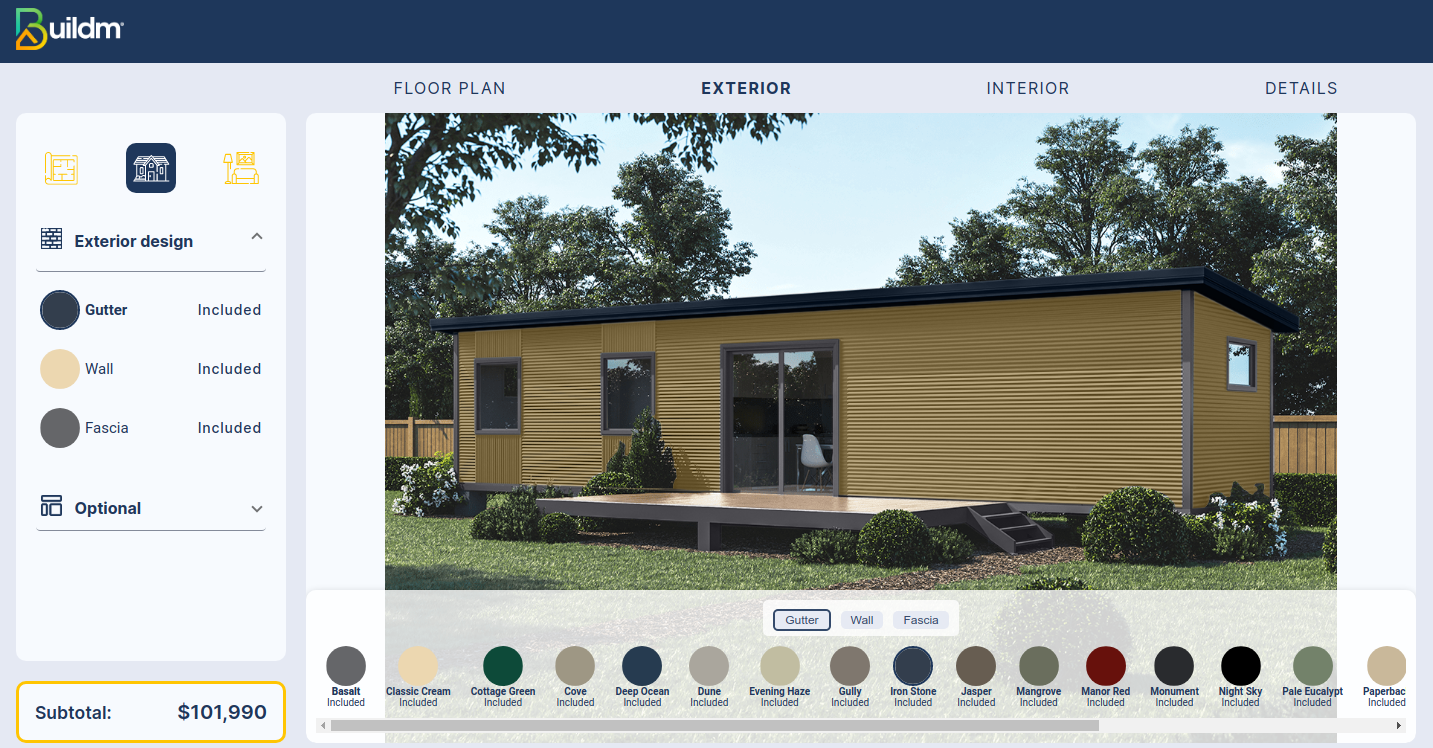
The image shows the change in color on the fascia