
Interior
Welcome to the Interior page
Welcome to the Interior interface, In the Interior module, we can select to change the color for the floor and walls in the kitchen, living room, bathroom, bedroom, etc.
Main Menu
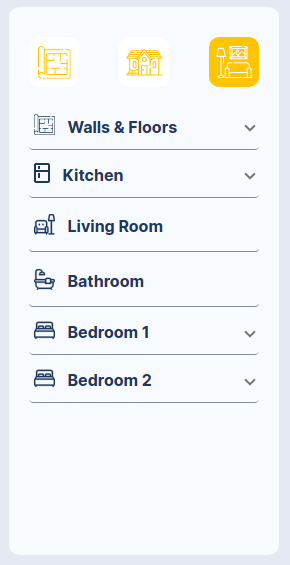
INTERIOR - MAIN MENU
Menu description:
- Icons: ["Floor Plan", "Exterior", "Interior"].
- Walls & Floors: "We can select the paint color for the wall, floors.
- Kitchen*: " We can select to change the color cupboards Kitchen, Benchtop, Splashback.
- Living Room: n the sample image you can see the color changes, the floor and walls that were previously selected, it applies to the Bathroom and the Bedroom.
Option 1 Bed 10m x 4m
Interior design Option 1 Bed 10m x 4m
Walls & Floors
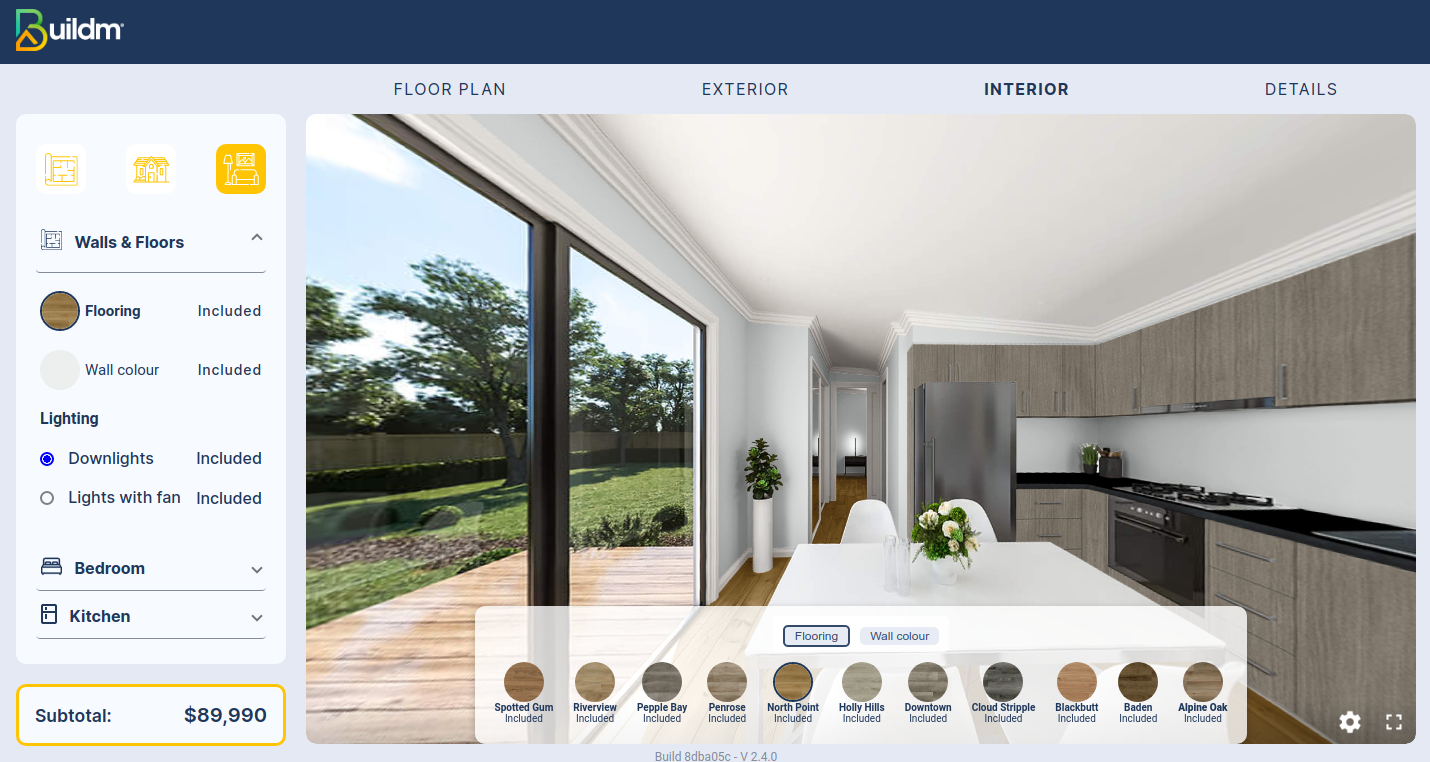
Without color: In the image we can see that we have the option to change the color of the floor and wall, with various colors offered by the application.
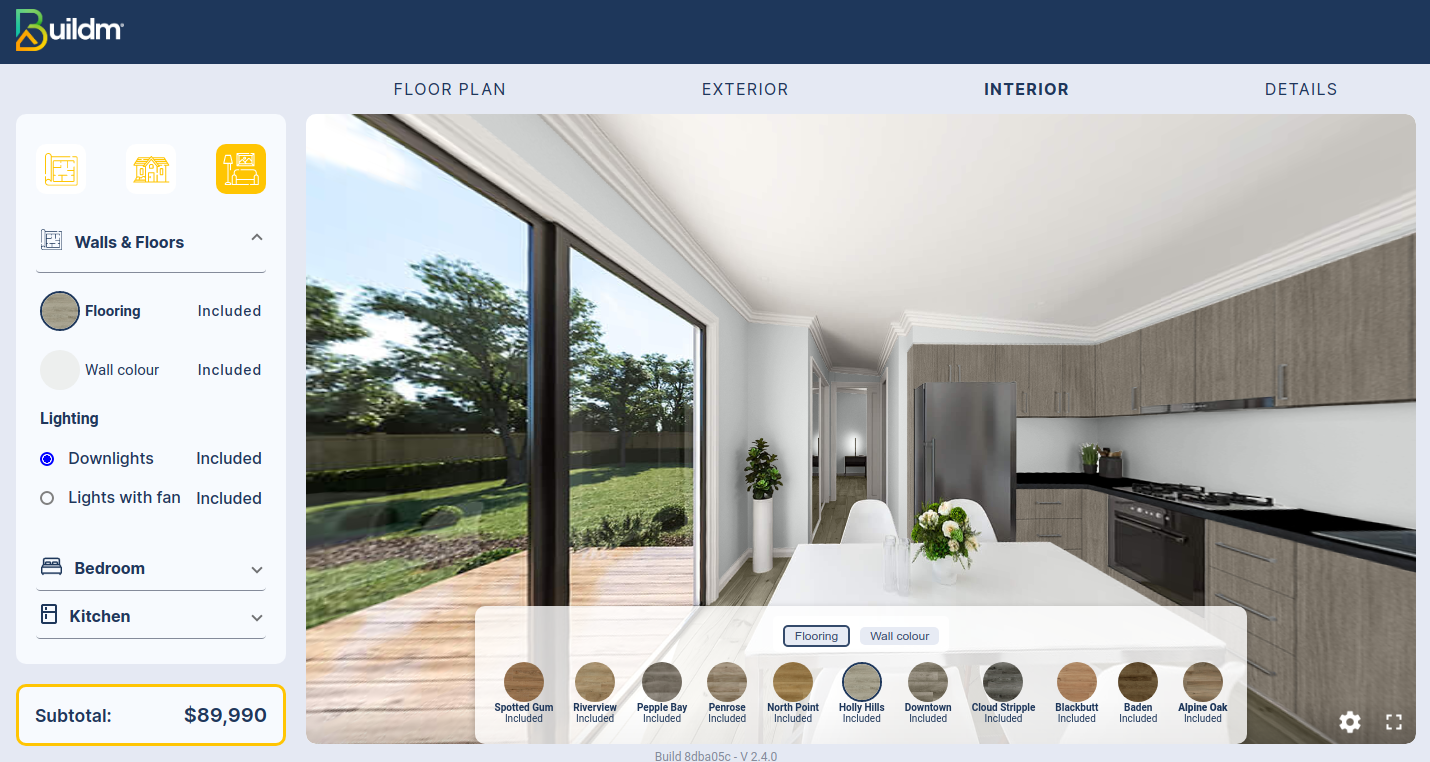
Color selection: as shown in the image we can change the color of the wall and the floor by clicking on the colors shown at the bottom.
Cupboards Kitchen
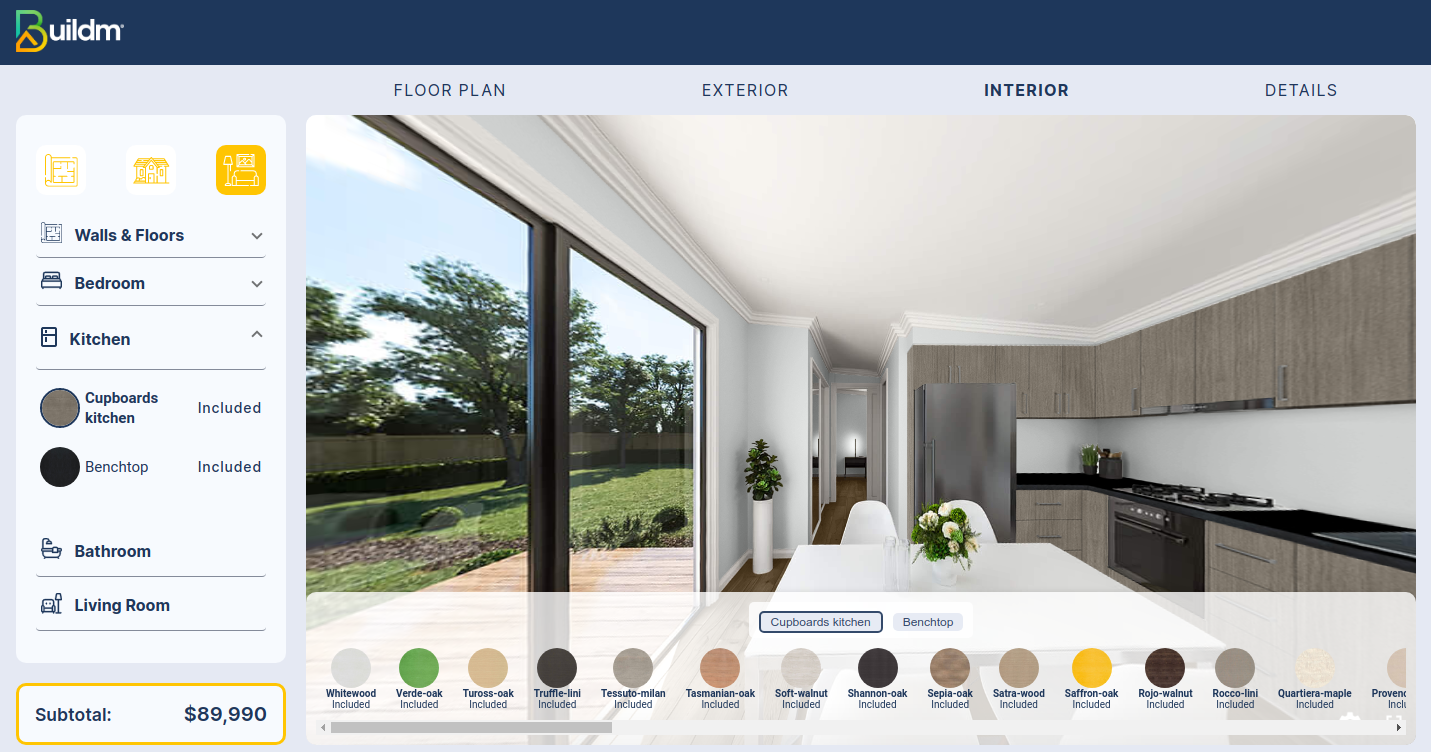
Without color: In the image we can see that we have the option to change the color of the Cupboards Kitchen, with various colors offered by the application.
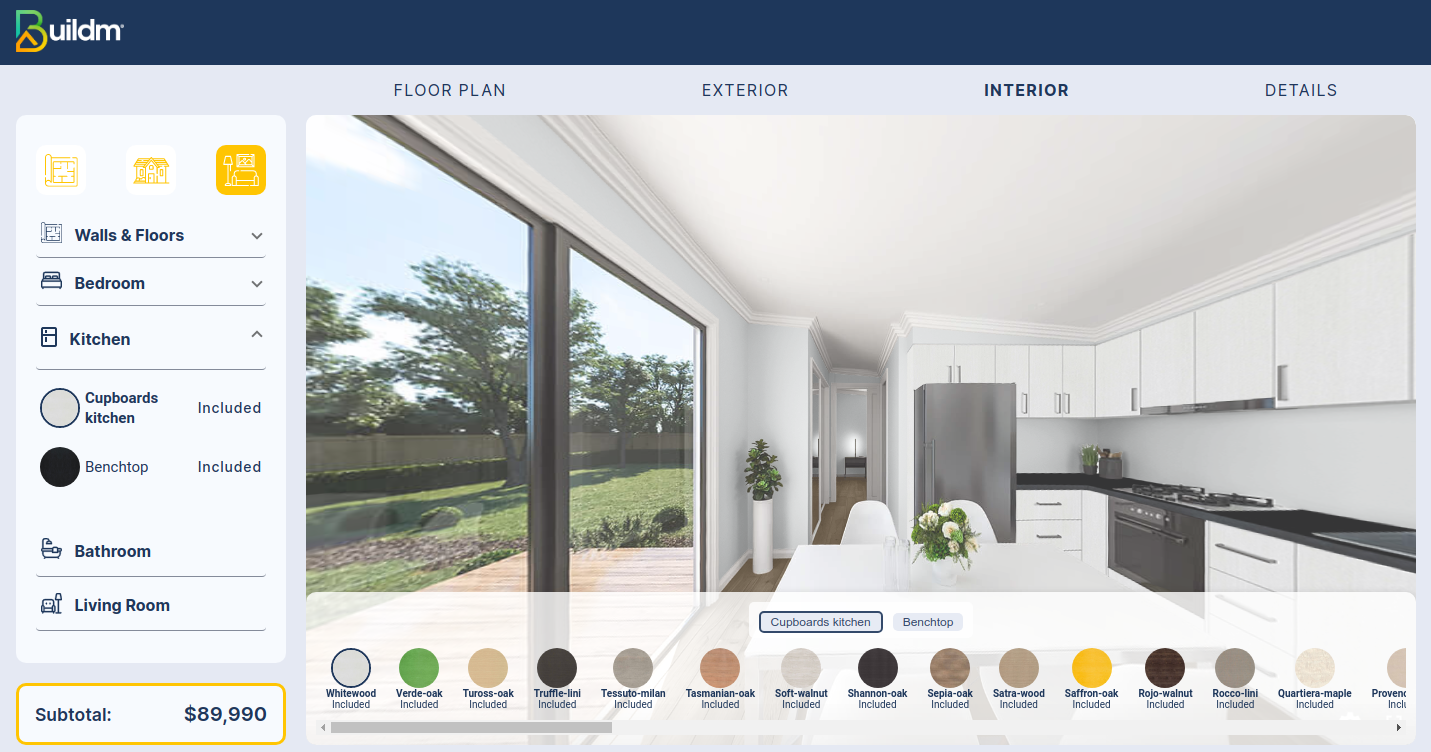
Color selection: as shown in the image we can change the color of the wall and the floor by clicking on the colors shown at the bottom.
Kitchen Benchtop
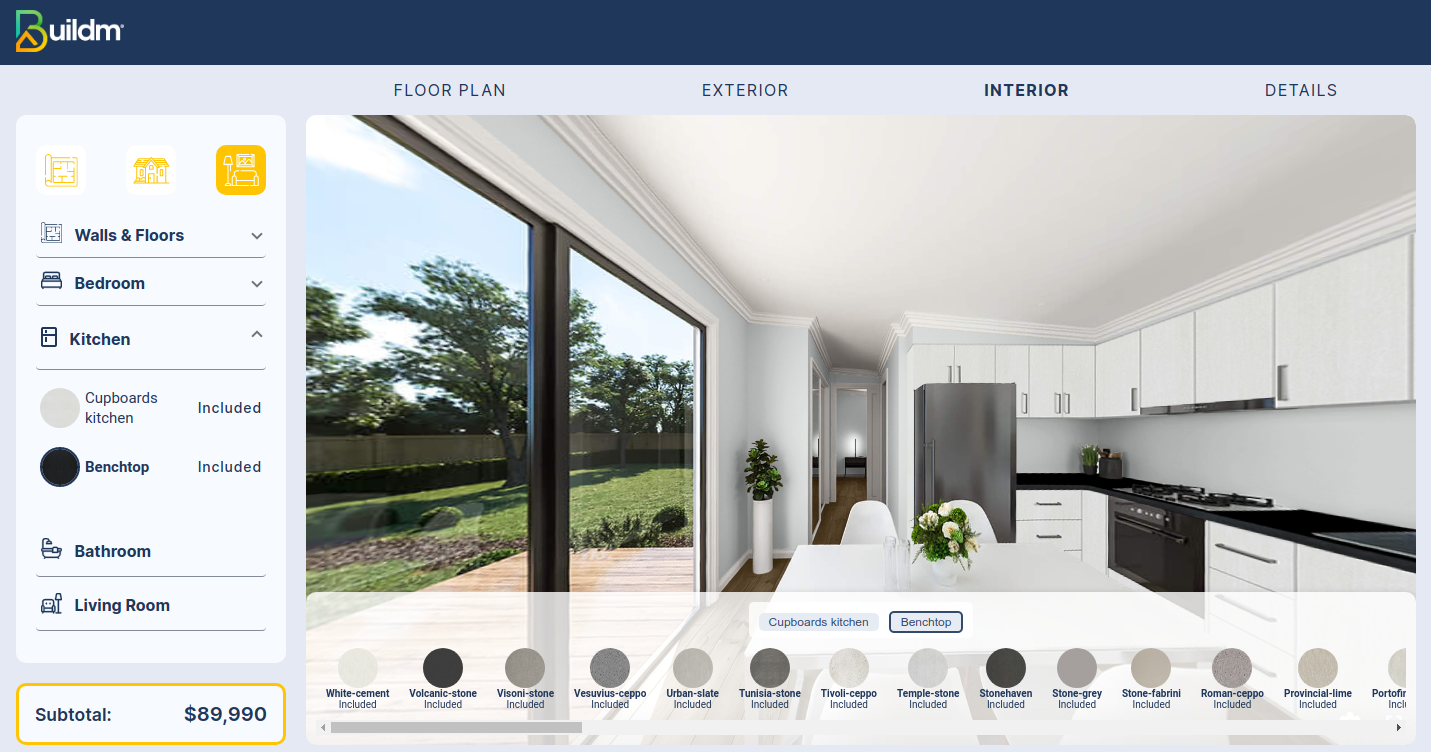
Without color: In the image we can see that we have the option to change the color of the Bechtop Kitchen, with various colors offered by the application.
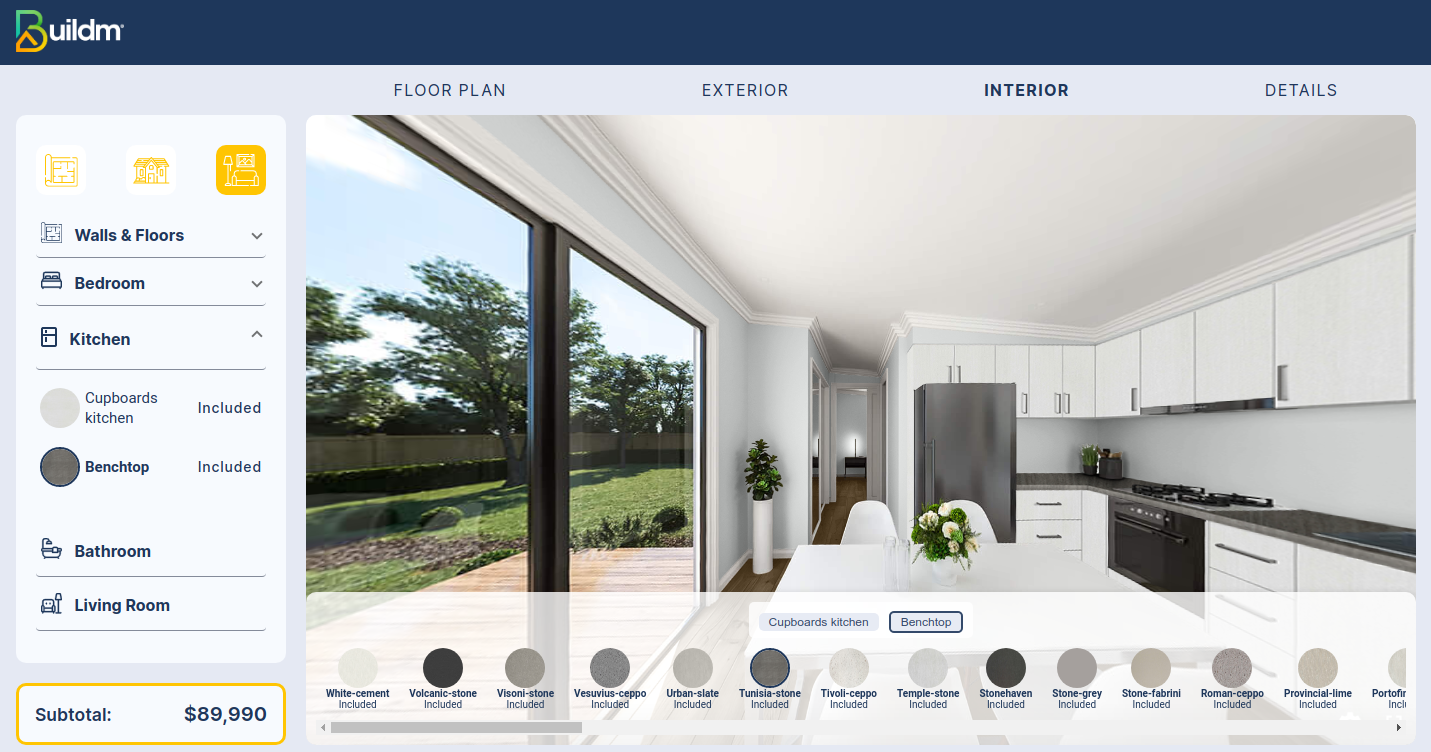
Color selection: as shown in the image we can change the color of Benchtop by clicking on the colors shown at the bottom.
LivingRoom
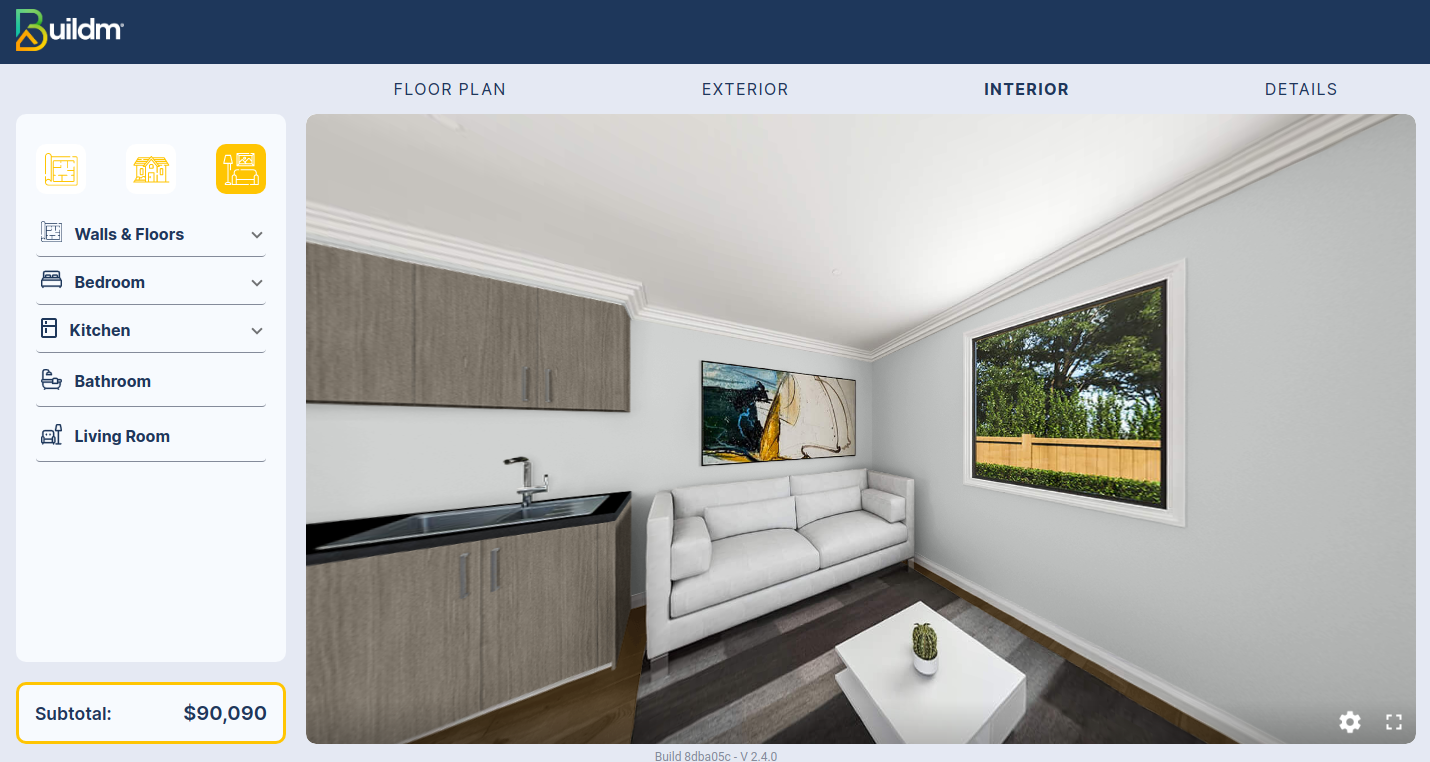
In the image you can appreciate the change of the previously selected colors, showing how the livingroom would look like.
BathRoom
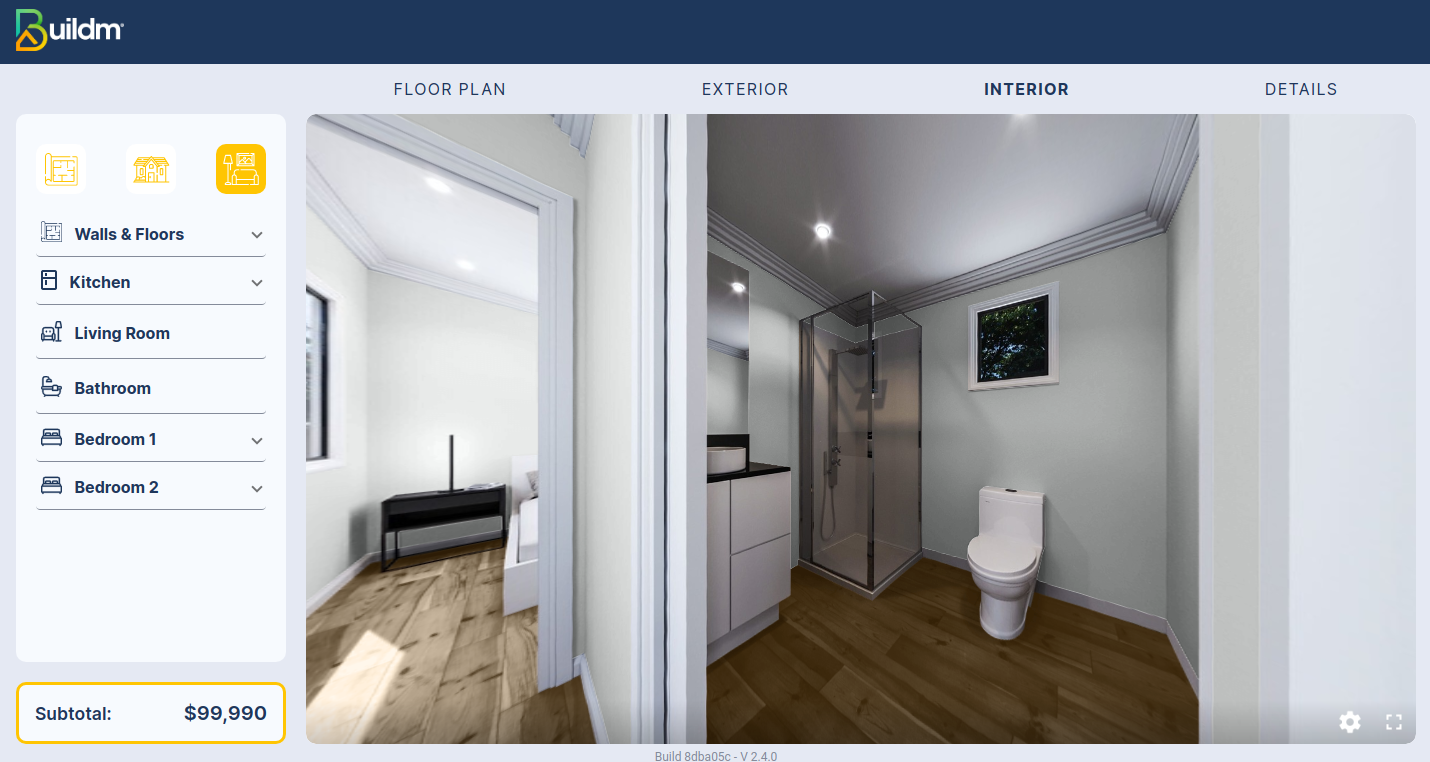
In the image you can appreciate the change of the previously selected colors, showing how the Bathroom would look like.
BedRoom
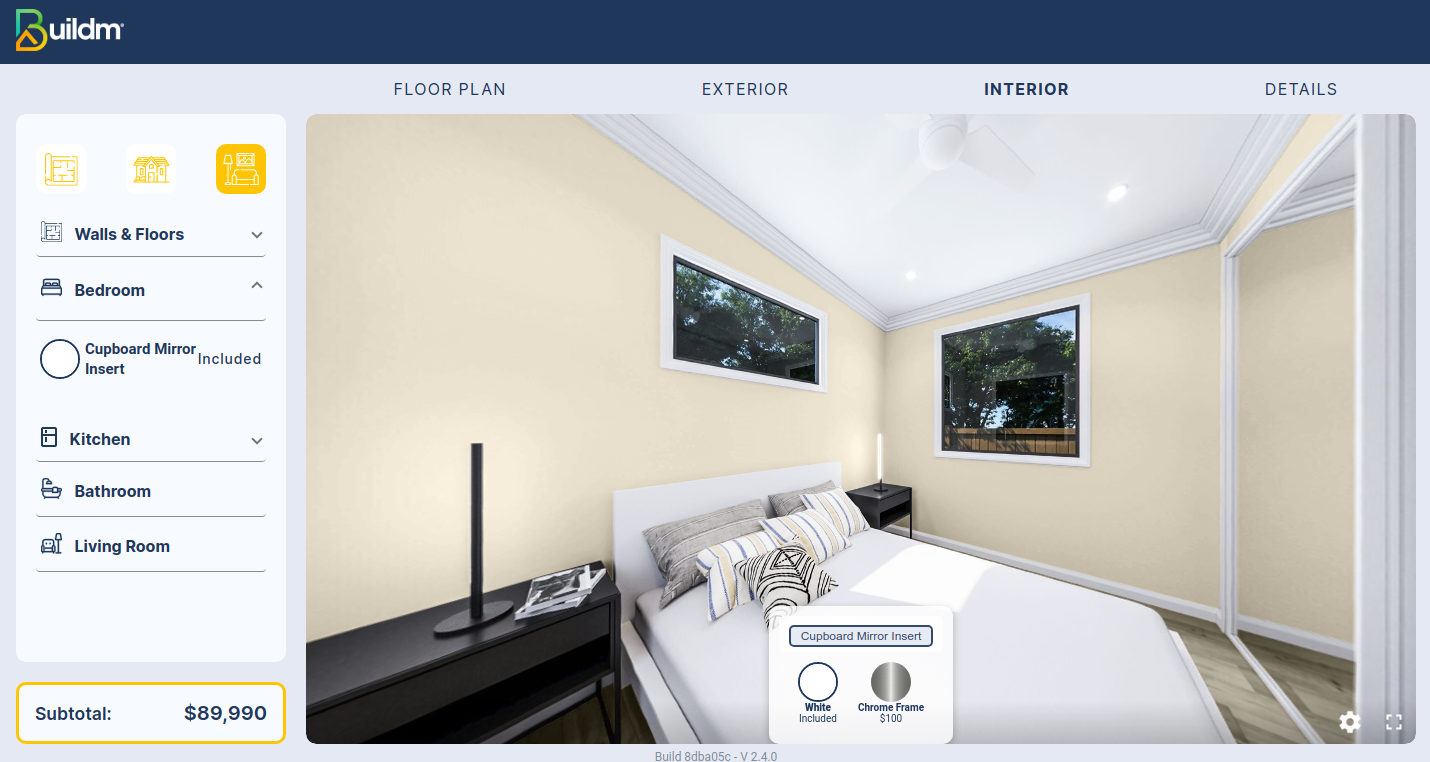
In the image we can appreciate how the room looks like without the selection of the Cupboard mirror, knowing that it is an optional element.
BedRoom Mirror
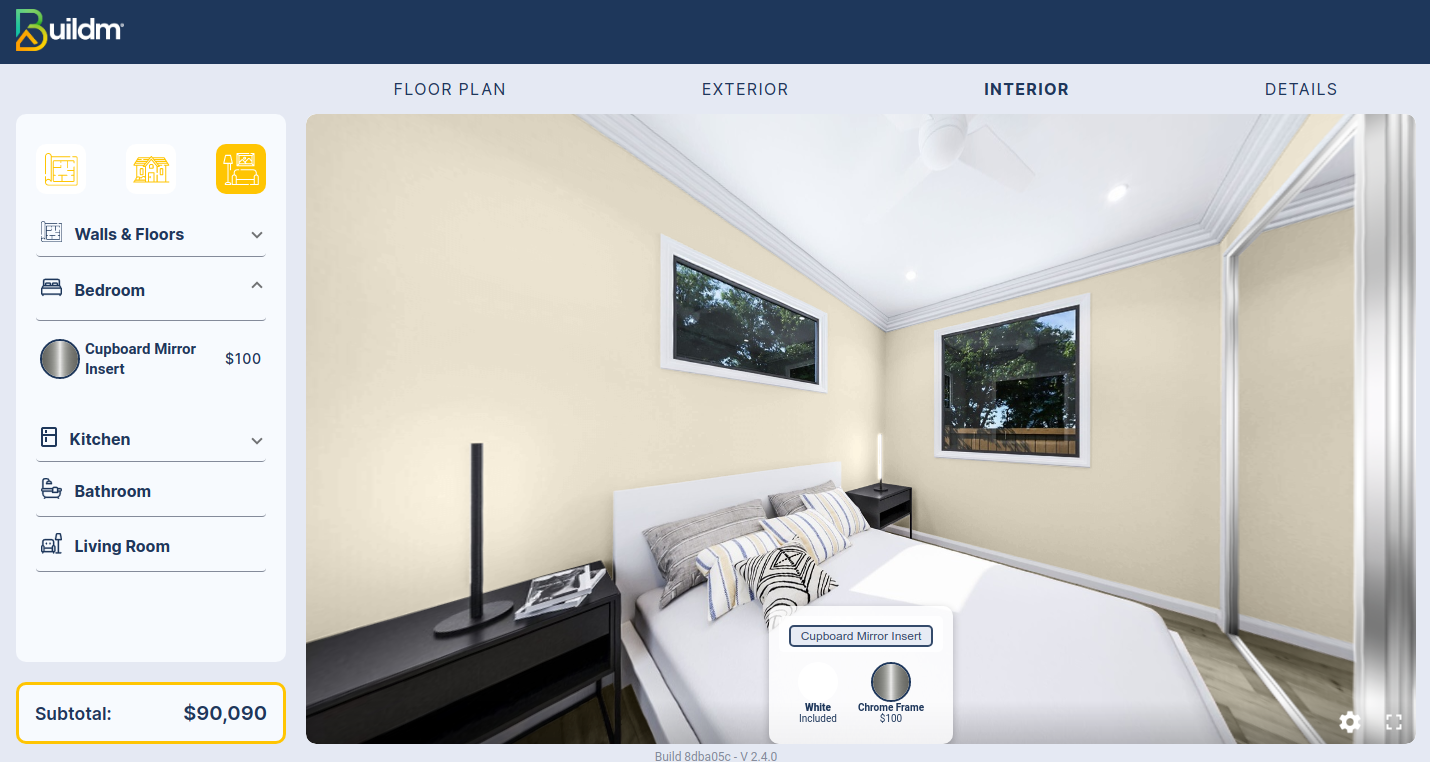
In the image we can see how the room looks like with the selection of the Cupboard Mirror.
Option 2 Bed 14m x 3.3m
Interior design Option 2 Bed 14m x 3.3m
Walls & Floors
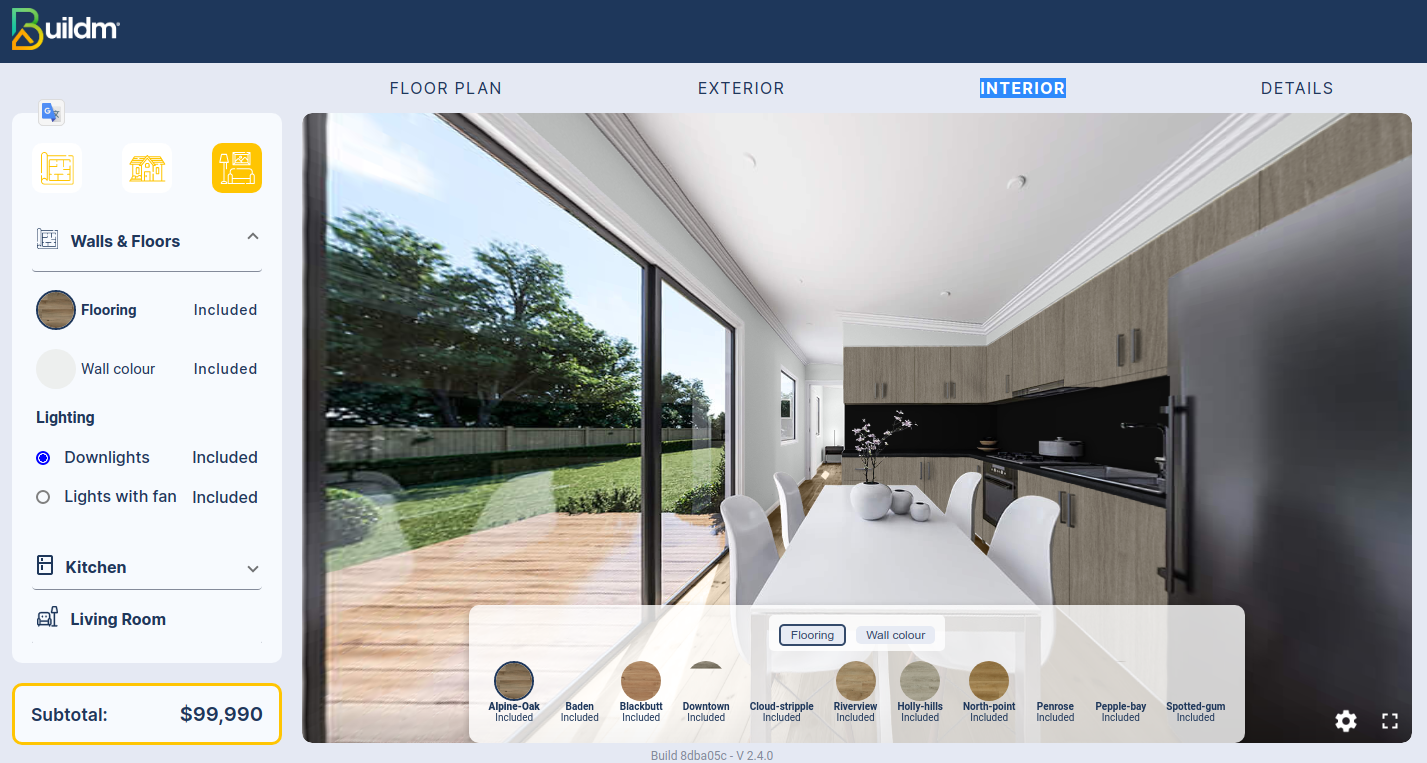
Without color: In the image we can see that we have the option to change the color of the floor and wall, with various colors offered by the application.
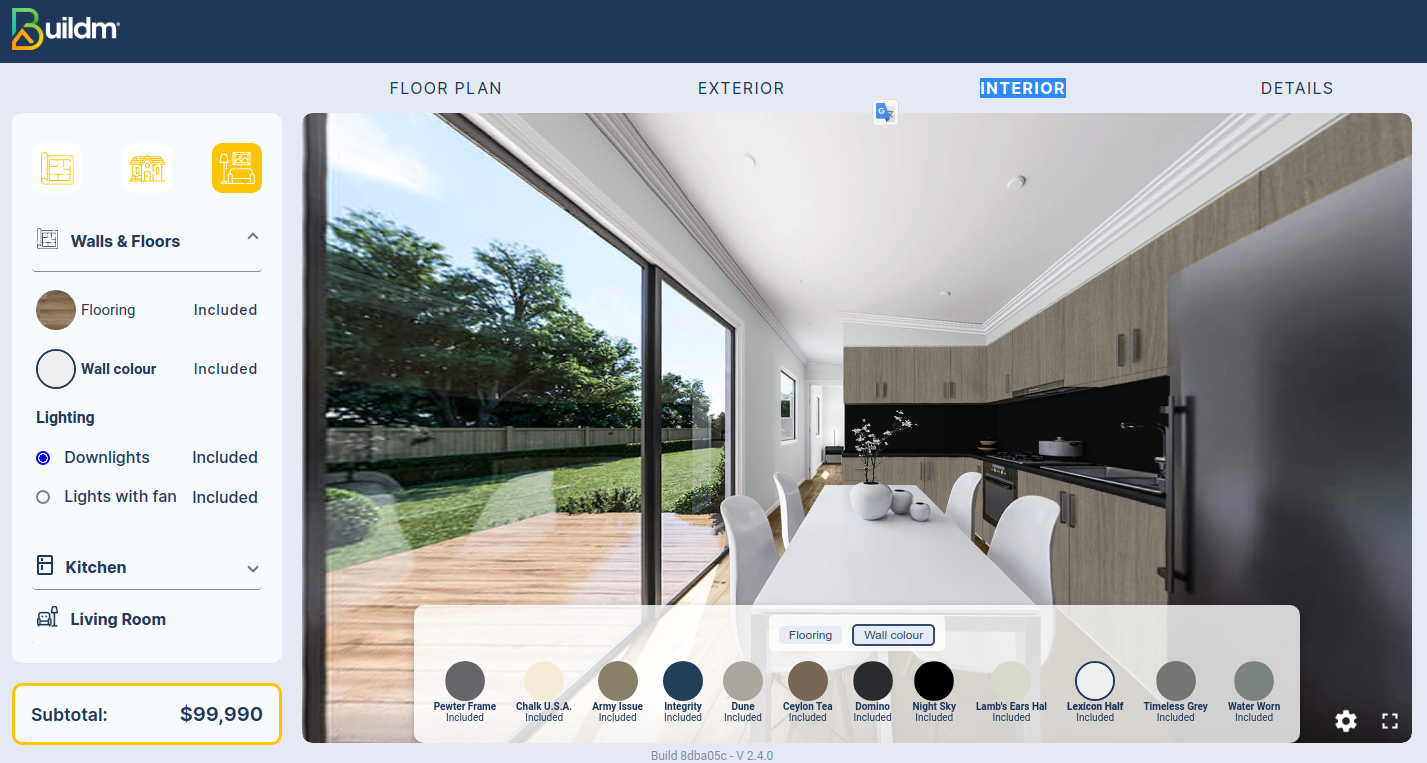
Color selection: as shown in the image we can change the color of the wall and the floor by clicking on the colors shown at the bottom.
Cupboards Kitchen
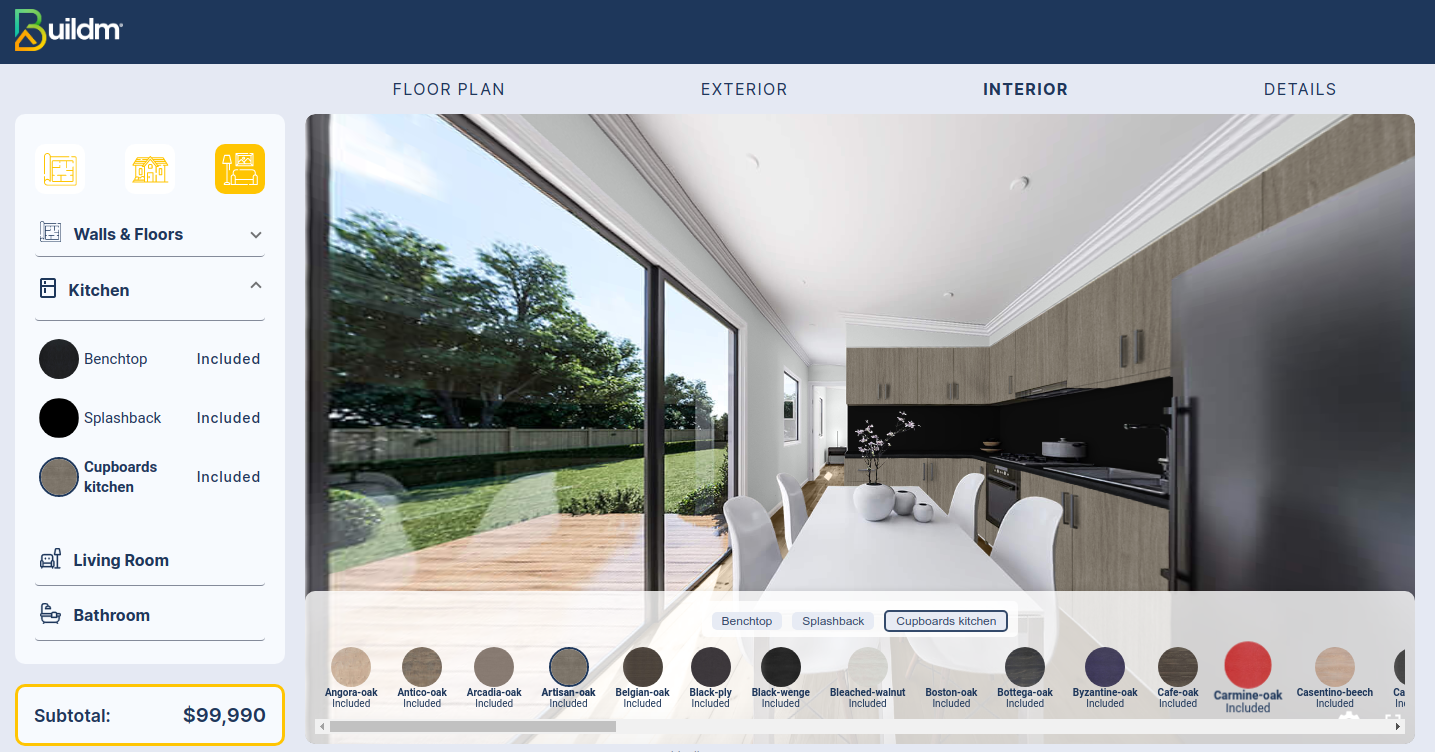
Without color: In the image we can see that we have the option to change the color of the Cupboards Kitchen, with various colors offered by the application.
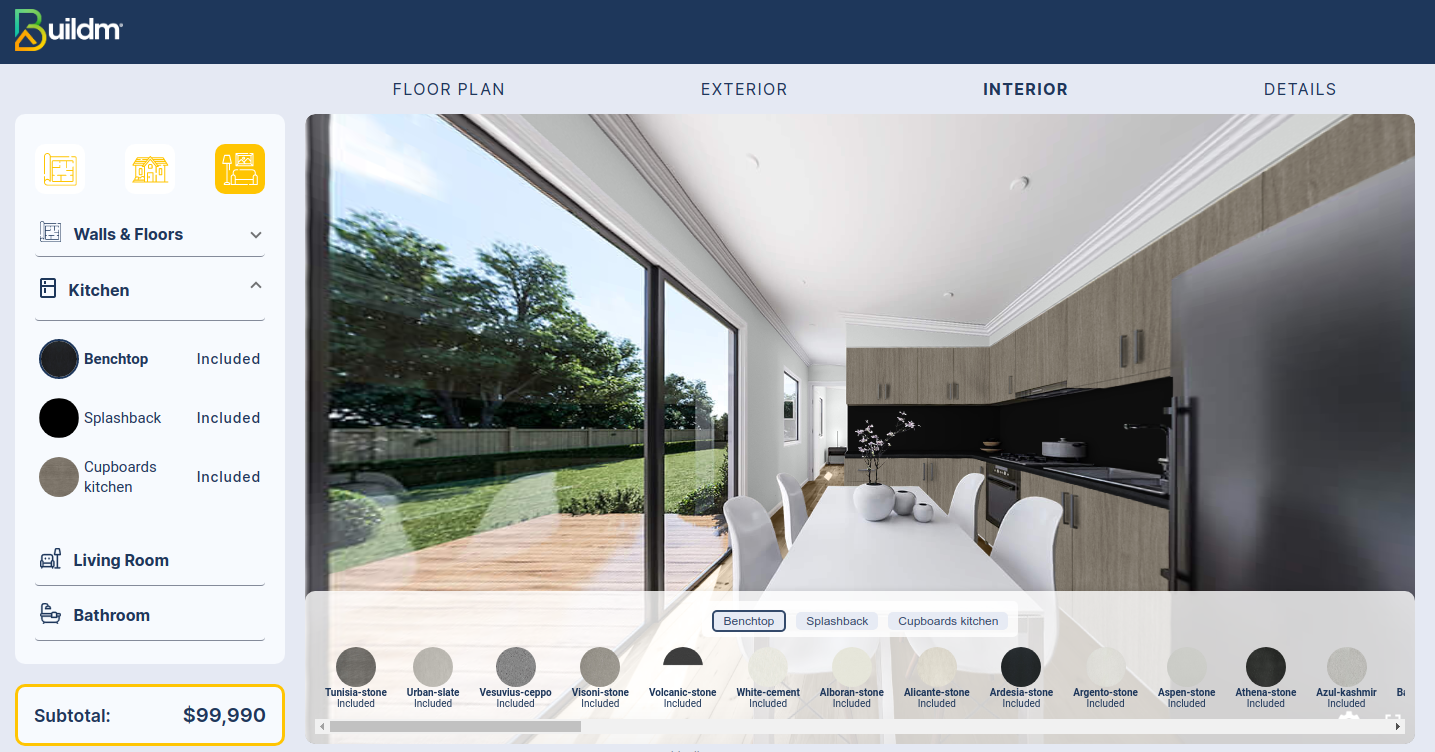
Color selection: as shown in the image we can change the color of the Cupboards Kitchen by clicking on the colors shown at the bottom.
Benchtop Kitchen
Without color: In the image we can see that we have the option to change the color of the Benchtop, with various colors offered by the application.
Splashback Kitchen
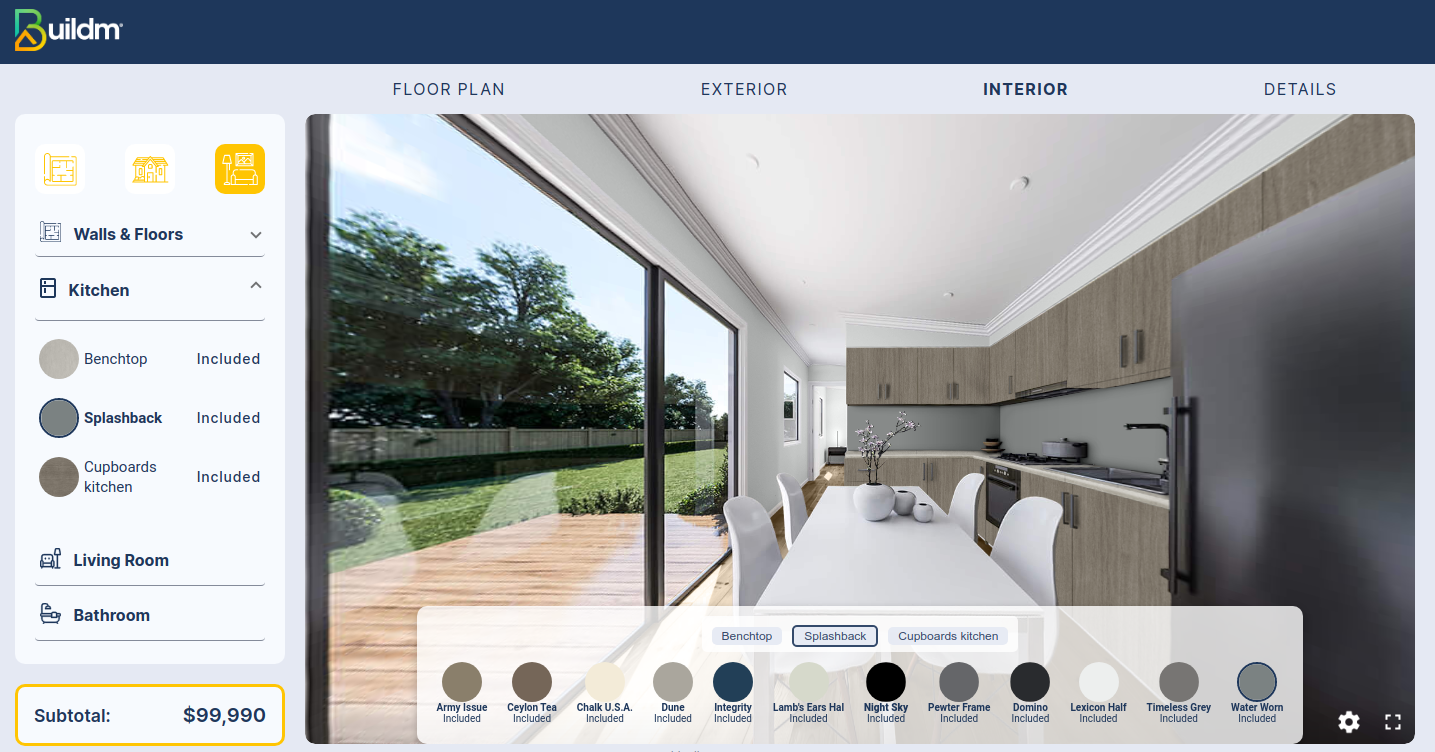
Without color: In the image we can see that we have the option to change the color of the SplashBack, with various colors offered by the application.
LivingRoom
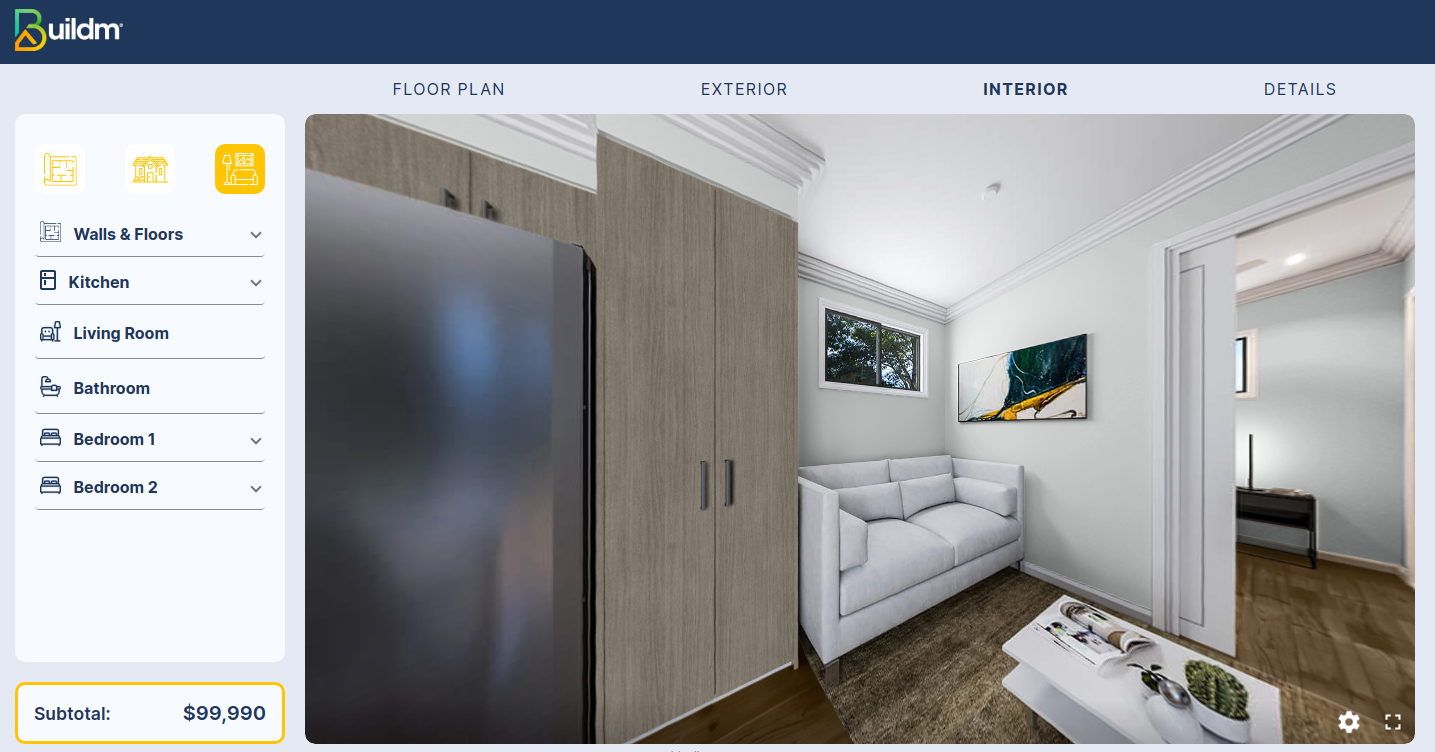
In the image you can appreciate the change of the previously selected colors, showing how the livingroom would look like.
BathRoom
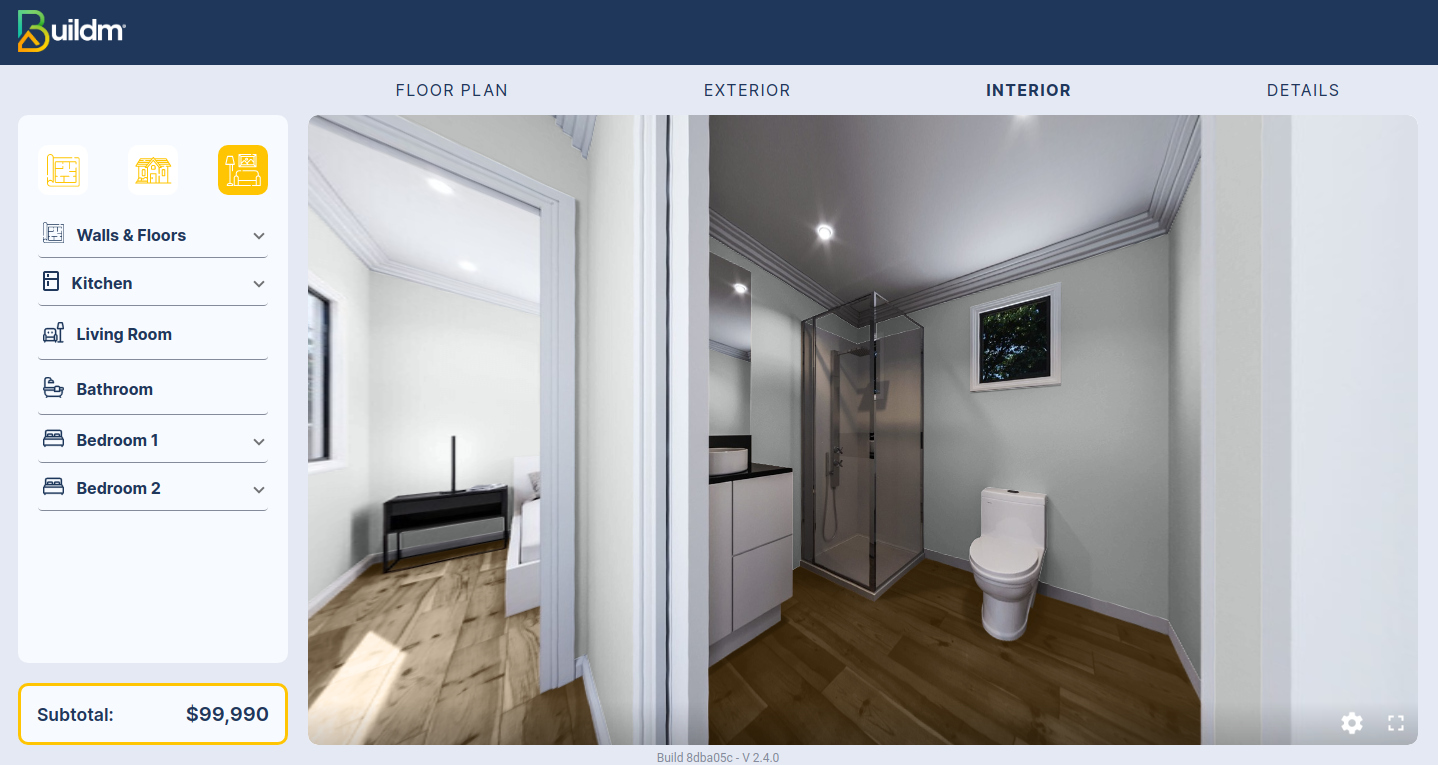
In the image you can appreciate the change of the previously selected colors, showing how the Bathroom would look like.
BedRoom 1

In the image we can appreciate how the room looks like without the selection of the Cupboard mirror, knowing that it is an optional element.
BedRoom 1 Mirror

In the image we can see how the room looks like with the selection of the Cupboard Mirror.
BedRoom 2
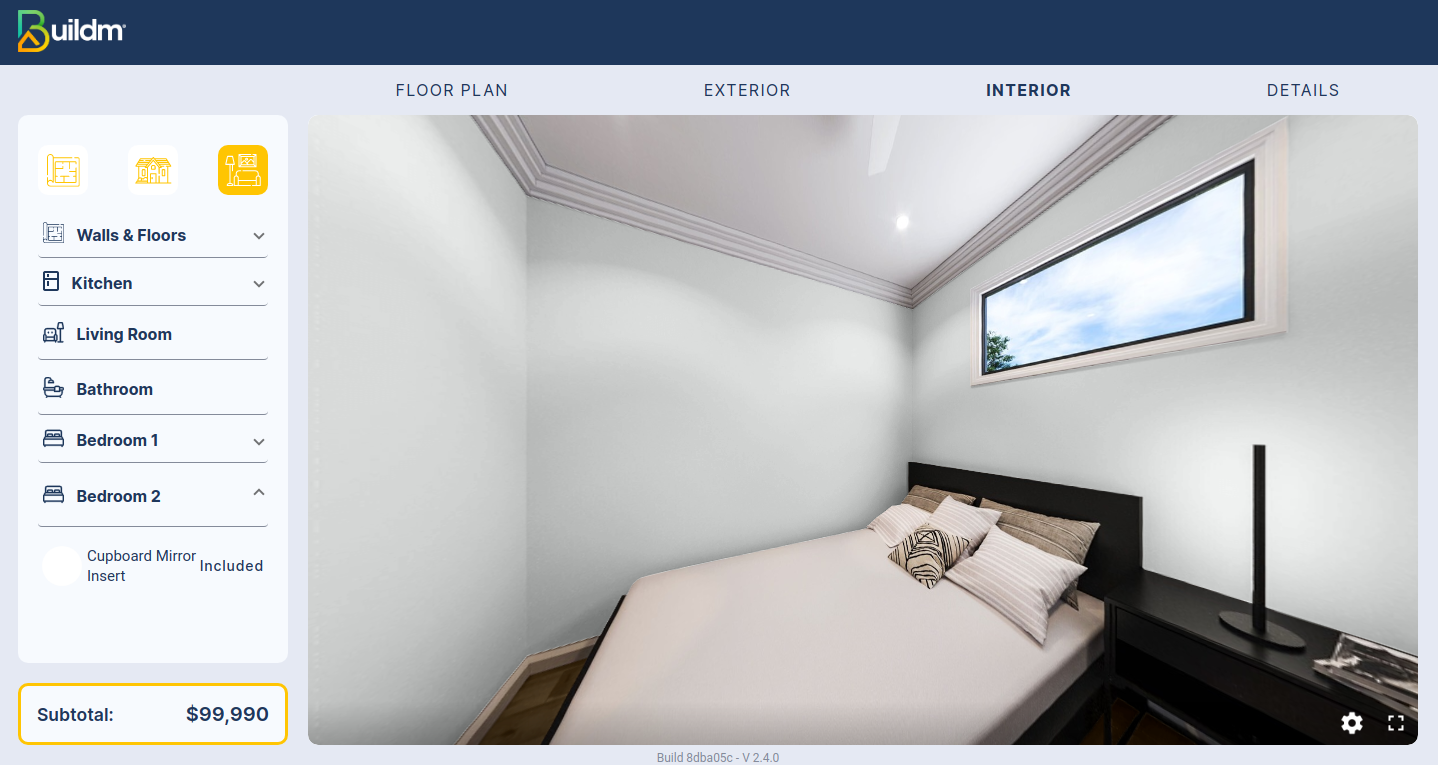
In the image we can appreciate how the room looks like without the selection of the Cupboard mirror, knowing that it is an optional element.
BedRoom 2 Mirror
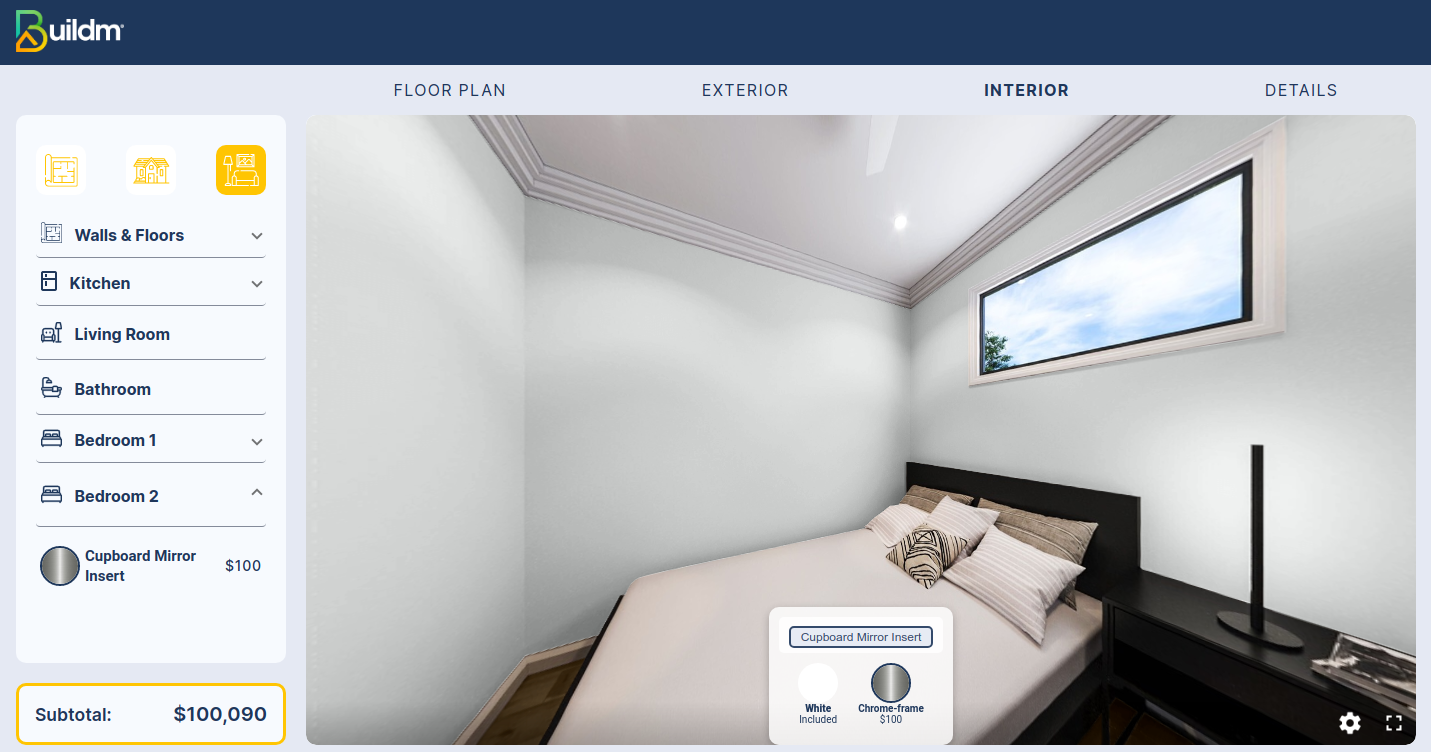
In the image we can see how the room looks like with the selection of the Cupboard Mirror.